Open source · Reference implementation
oRPC-to-WebMCP Bridge
The AI in the browser uses your app, not just reads it.
One package that hands a web app's own features to the AI assistant running in the browser. Built in the open as a working reference for WebMCP, the draft browser API for AI tools.
- Role
- Author
- Scope
- Bridge package plus a task manager demo
- Runs on
- document.modelContext, native or polyfilled
- Status
- Open source on GitHub







01
How the bridge works
Nothing in the app's own code mentions WebMCP. The API is written as ordinary oRPC procedures with Zod schemas, and one hook does the rest.
WebMCP is a draft, and it moves. This was built in February 2026 against navigator.modelContext; the May 27, 2026 draft moved tools to document.modelContext, and the bridge moved with it in August 2026. What follows matches the repo today, checked against the spec's 28 July 2026 publication.
1. Define oRPC procedures
Type-safe procedures with oRPC and Zod. Standard API work.
2. The bridge registers tools
orpc-webmcp walks the router and registers every procedure as a tool through document.modelContext.
3. The agent calls them
An agent that speaks WebMCP calls them like any other tool. No shipping agent does yet — they still read the DOM.
4. Calls run server-side
Arguments validate against the same Zod schema, execute through oRPC, and the result goes back to the agent.
The bridge package
The monorepo splits in two: apps/web/ is the Next.js app with the UI, server actions and oRPC route handler, and packages/orpc-webmcp/ is the bridge itself: core logic plus React hooks.
The bridge introspects the oRPC router at runtime, converts each Zod schema to JSON Schema for the tool description, registers the procedure via document.modelContext, then handles invocation, validation and response marshalling. A single hook makes any oRPC app WebMCP-compatible.
The task manager gets six tools out of that: tasks.list with an optional status filter, tasks.get, tasks.create, tasks.update, tasks.delete and tasks.search. No tool definition is written by hand.
Run it yourself
The app loads the WebMCP polyfill, so the tools register in any Chromium browser. No shipping agent picks them up yet, so call them by hand.
git clone https://github.com/Mark-Life/webMCP-example && cd webMCP-example && bun install && bun dev- Open
http://localhost:3000: the console prints[WebMCP] Registered 6/6 tools from router const tools = await document.modelContext.getTools()lists themawait document.modelContext.executeTool(tools.find((t) => t.name === "tasks.create"), JSON.stringify({ title: "Buy milk" }))creates one, and the list on the page updates as it runs
executeTool takes the descriptor rather than the name, and its arguments as a JSON string. The Model Context Tool Inspector extension does the same job with a UI.
On Chrome 150+, enabling WebMCP for testing in chrome://flags hands the page to the native implementation and the polyfill stands down. Edge 147 ships it without a flag, and Chrome has it slated to be on by default in 157. Only the polyfill path has been tested.
Stack
Next.js 16 and React 19 on the front with Tailwind and shadcn/ui, oRPC and Zod for the API, Turborepo and Bun to build it.
02
Related work
Telegram Claude + Codex: Remote Coding Agents via Telegram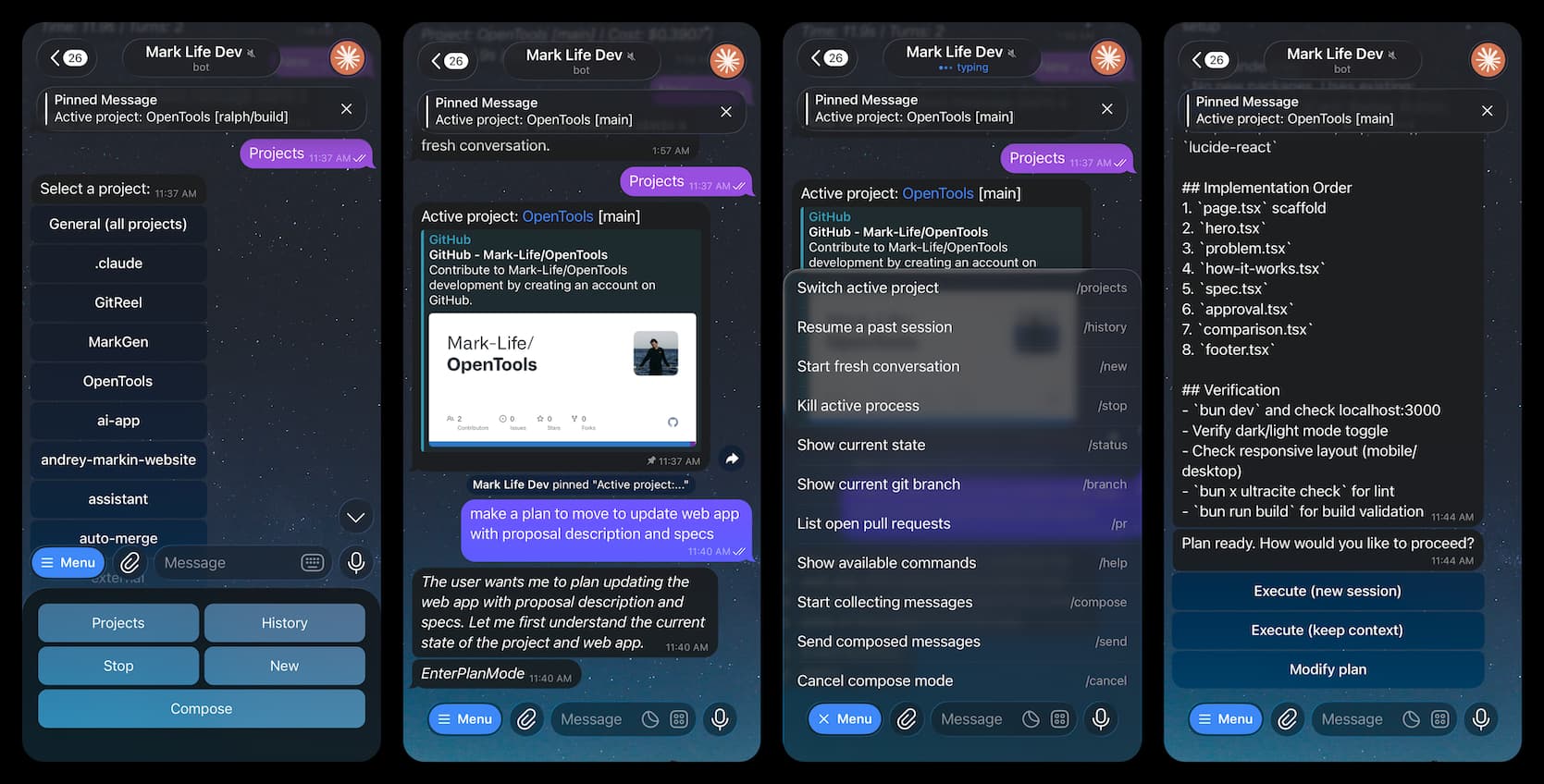
Telegram Claude + Codex: Remote Coding Agents via Telegram
A Telegram bot that runs coding agents on your own server from your phone. Send a message, watch the work stream back into the chat, and approve the plan with a button: no terminal, no SSH.
TypeScriptBunTelegram BotClaude CodeOpenAI CodexAIgrammyGroq
View Project
AI Form Assistant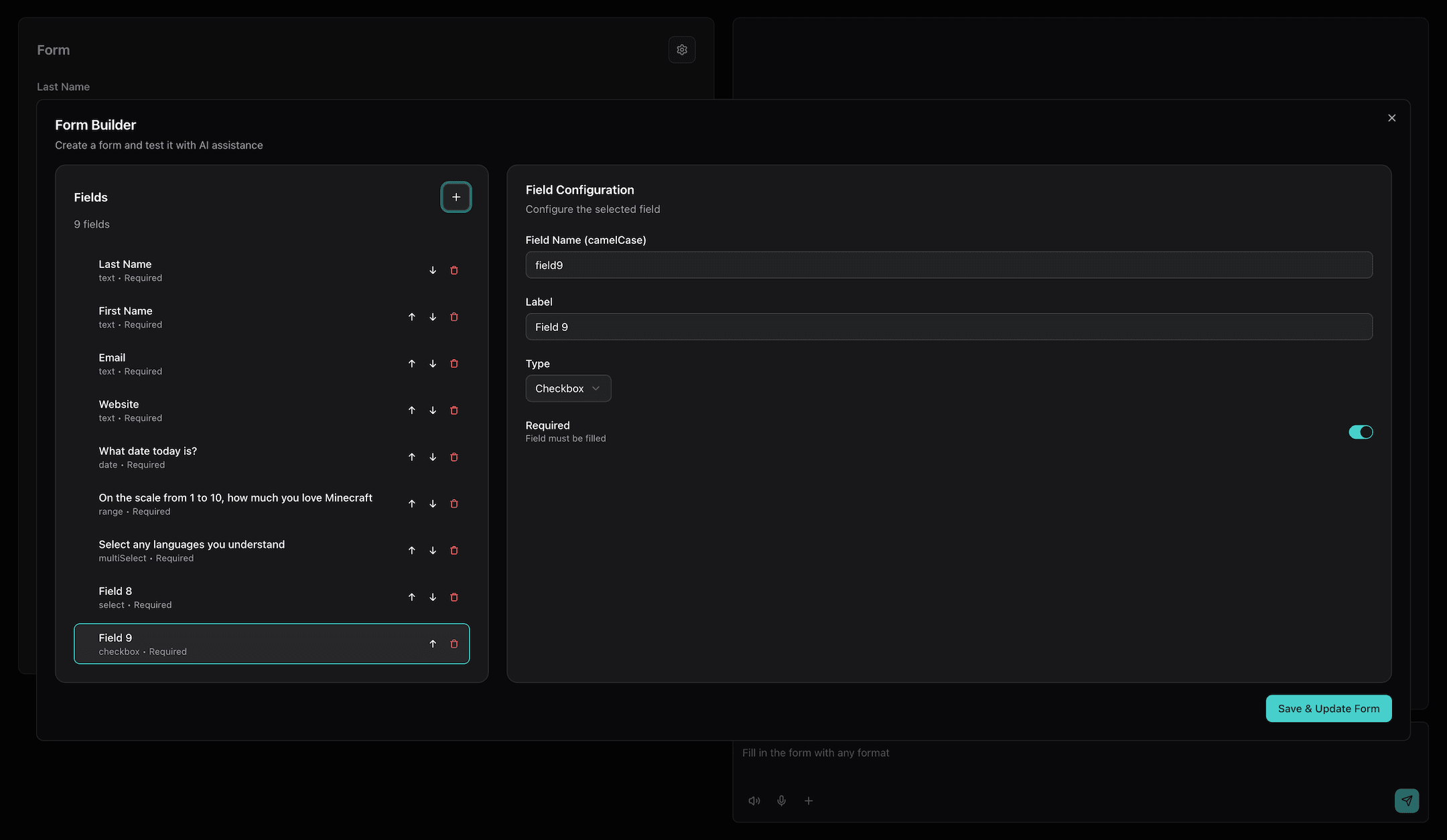
AI Form Assistant
A form you fill by talking instead of typing. Answer in your own words, by voice or text, and the fields fill in as you go: an open-source starting point for anyone whose signup or intake form loses people halfway.
Next.jsAI SDKGoogle GeminiOpenAIReact Hook FormZodshadcn/ui
View Project
Want AI agents to use your product?
Browser agents and MCP clients can already work a product instead of just describing it. Tell me what yours does and I'll show you what its tool surface should look like.
Book a free call30 minutes, free. You leave with a plan either way.