Open source · Developer tooling
Telegram Claude + Codex: Remote Coding Agents via Telegram
Run coding agents on your server from your phone.
A Telegram bot that runs coding agents on your own server from your phone. Send a message, watch the work stream back into the chat, and approve the plan with a button: no terminal, no SSH.
- Role
- Solo build
- Status
- Open source, personal tool
- Runs on
- Your own VPS, beside the code it edits
- Scope
- Telegram bot, two agent CLIs, sessions per project






01
Inside the build
In the chat
Projects
The bot keeps a list of project directories and switches between them from an inline keyboard. The active project stays pinned in the chat, old pins are removed, and each project holds its own session per provider.
Voice
Voice notes go to Groq Whisper (whisper-large-v3-turbo) and the transcript goes straight to the active agent. Talk a task in on a walk, read the result back.
Compose
/compose batches several messages into one prompt: text, voice, forwarded messages, files, photos. /send dispatches the batch, /cancel discards it. Useful for pulling context out of other chats before you ask for anything.
Provider switch
/provider swaps between Claude Code and OpenAI Codex at runtime. /status, /help, and the pinned project message all show which one is live.
The message pipeline
One TypeScript app on Bun, deployed on the VPS next to the projects it manages. Messages go through a sequential queue, so two arriving at once never race:
- Telegram delivers a message or a voice note.
- Voice becomes text via Groq Whisper.
- The text is routed to the active project's session for the current provider.
- The bot spawns that provider's CLI as a child process and streams its output back.
- The final response is sent and the session stays open for follow-ups.
/status and the response footers carry the git branch and open PR, so you know what the agent is standing on before you send the next message.
Deployment
It runs as a systemd service: restarts on failure, comes back after a reboot. The bot token and the project paths come from the environment. The agent CLI is spawned only when there is work, so an idle bot costs almost nothing.
Stack
TypeScript on Bun for the runtime. grammy for the Telegram side, with middleware for the queue and the keyboards. Claude Code CLI as the default agent, OpenAI Codex CLI as the optional second. Groq SDK for transcription. systemd to keep it alive.
02
Related work
oRPC-to-WebMCP Bridge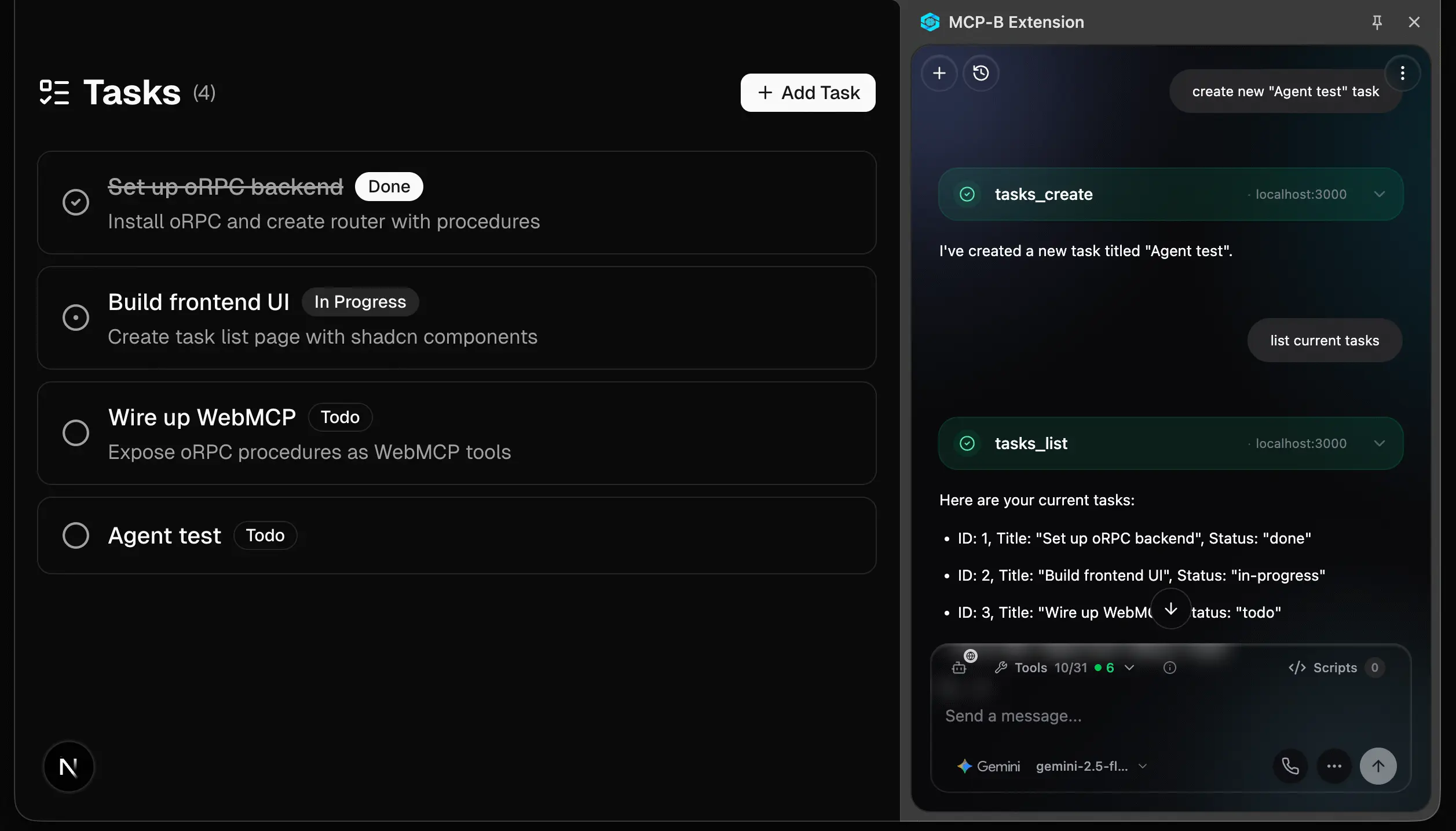
oRPC-to-WebMCP Bridge
One package that hands a web app's own features to the AI assistant running in the browser. Built in the open as a working reference for WebMCP, the draft browser API for AI tools.
Next.jsoRPCWebMCPTypeScriptZodshadcn/ui
View Project
AI Form Assistant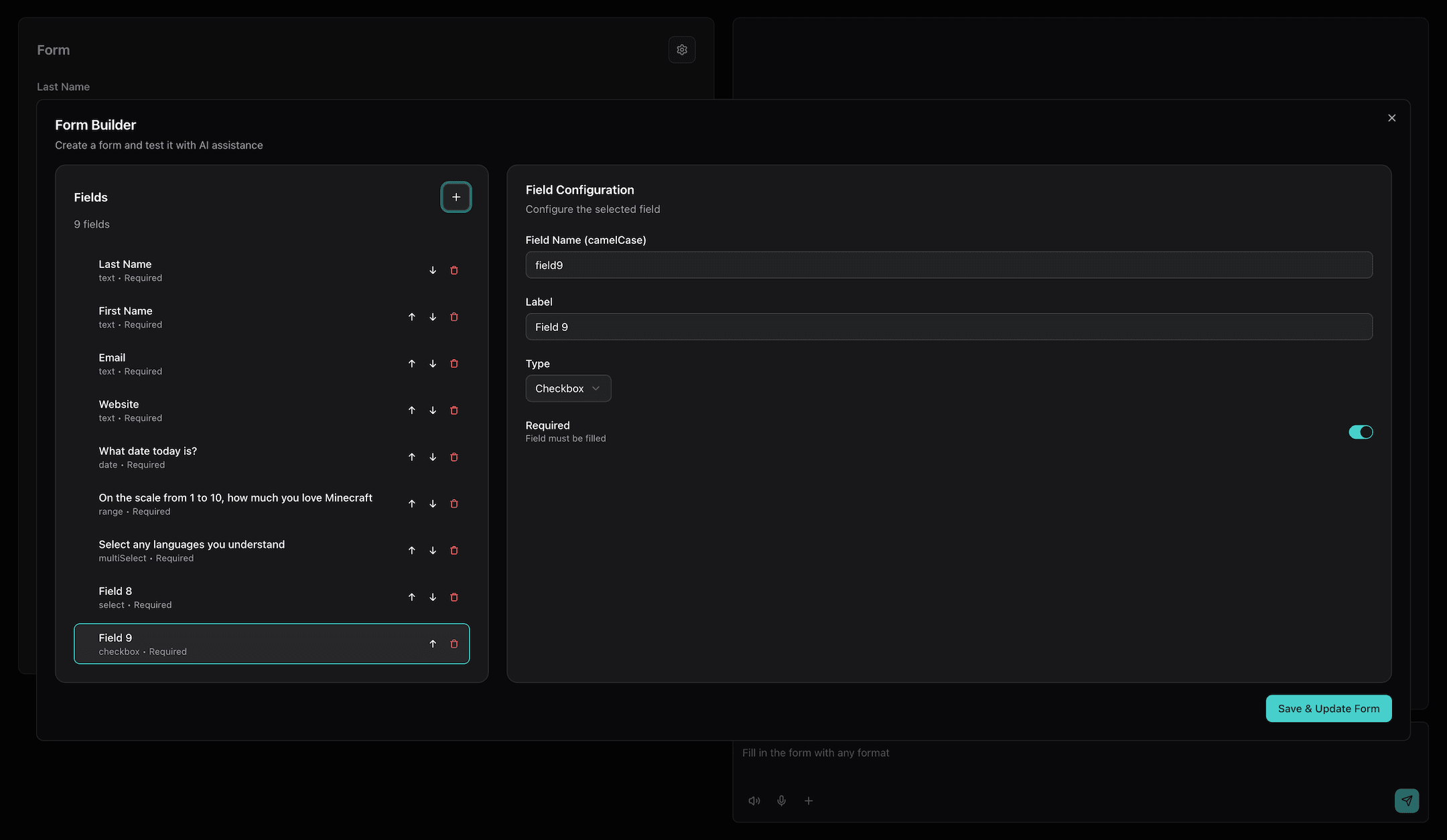
AI Form Assistant
A form you fill by talking instead of typing. Answer in your own words, by voice or text, and the fields fill in as you go: an open-source starting point for anyone whose signup or intake form loses people halfway.
Next.jsAI SDKGoogle GeminiOpenAIReact Hook FormZodshadcn/ui
View Project
Outrizz AI: Event Engagement Platform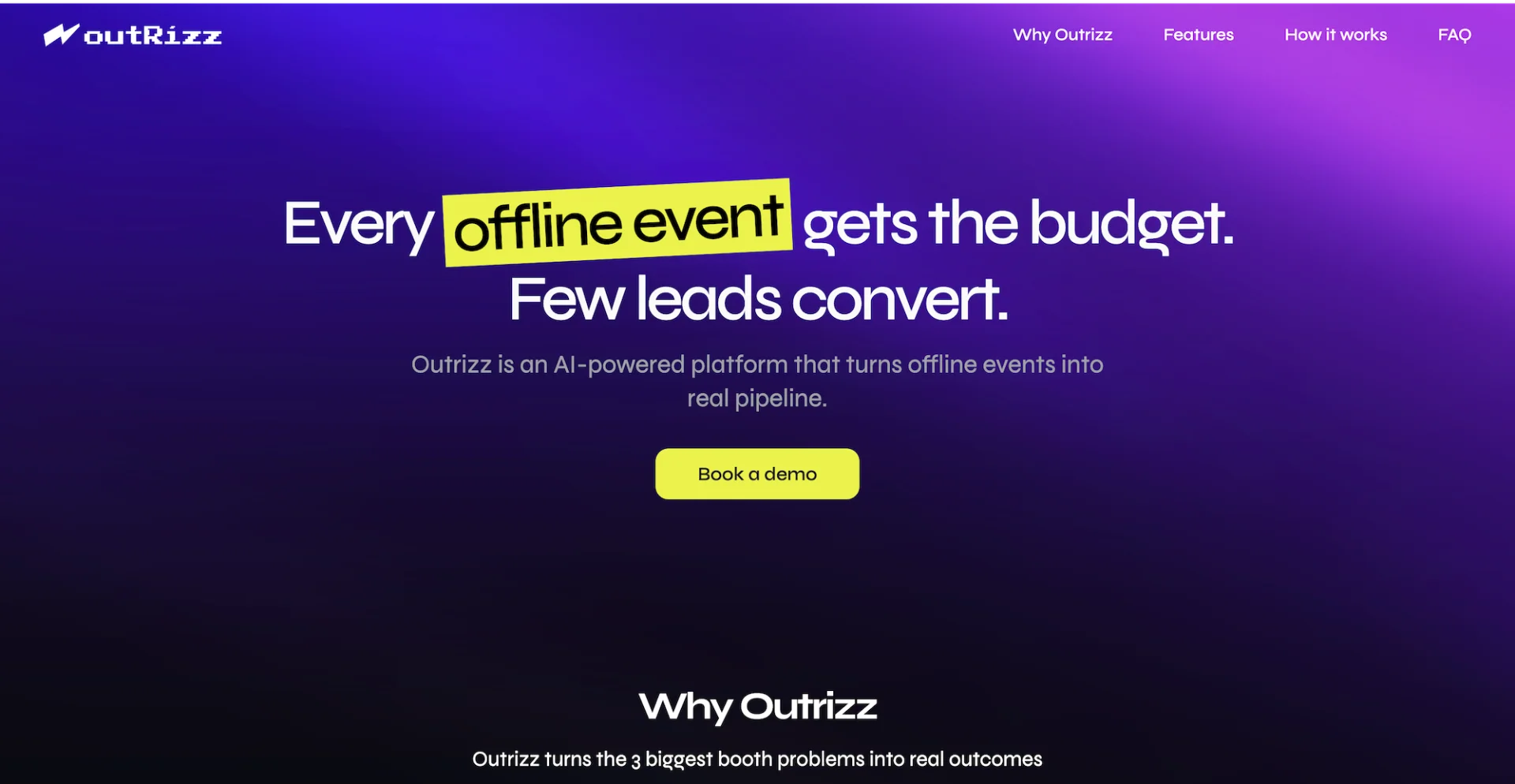
30K+leads generated
Outrizz AI: Event Engagement Platform
An event marketing platform for B2B sales teams. It finds the right people before a trade show and talks them into coming, then captures everyone who stops at the booth and follows them up while the event is still running.
Next.jsReact NativeAItRPCTurbo MonorepoDrizzleSupabase
View Project
Want your team running agents from a chat window?
I build internal tools where the interface is Telegram or Slack and the work is done by agents. I also advise engineering teams on agentic coding with Claude Code and Cursor.
Book a free call30 minutes, free. You leave with a plan either way.